AI Articles
AI 領域精選文章翻譯
Claude 幫 datasette.io 做出新聞預覽工具
by Simon Willison
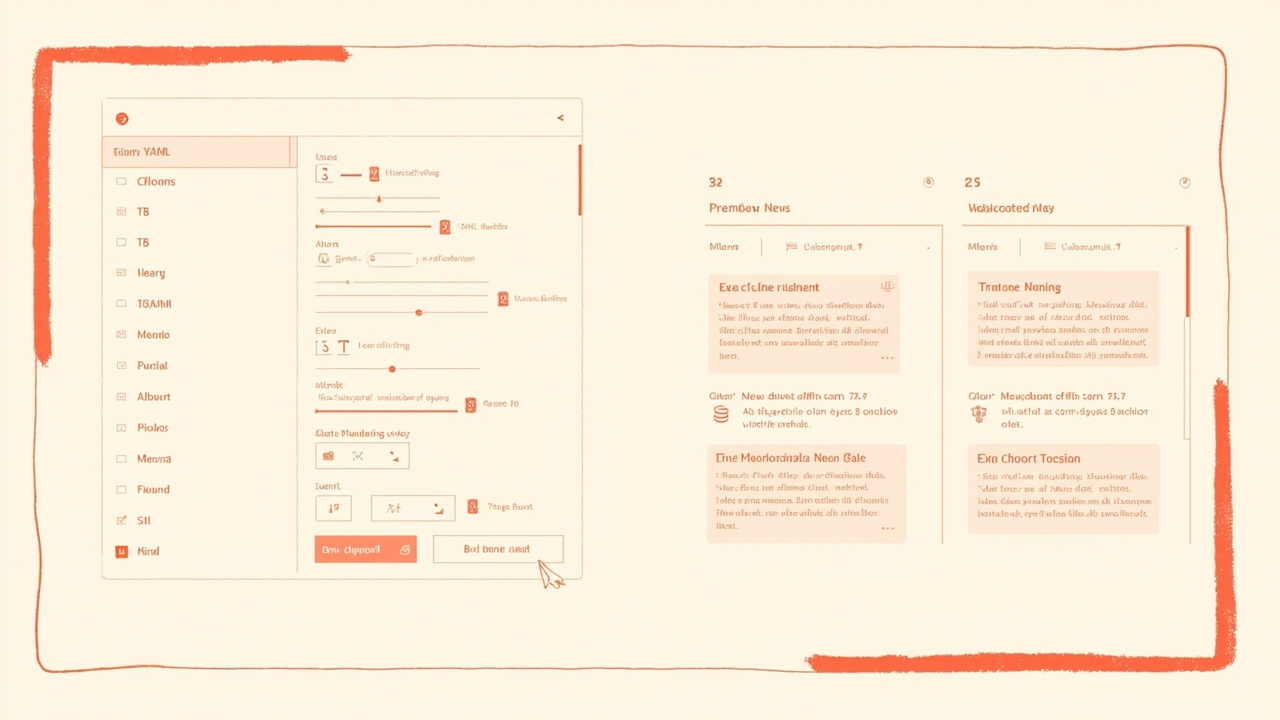
原文連結: datasette.io news preview
摘要
- Simon Willison 用 Claude 幫 datasette.io 做了一個新聞預覽工具
- 這個工具是拿來編輯
news.yaml,並即時檢查 Markdown 或 YAML 錯誤 - 核心做法很直接,就是讓 Claude 先讀 repo,再產出可貼上的 Artifact
- 這類工具的價值,不在於「AI 很會寫」,而在於把原本麻煩的內容維護流程變簡單
- 對常常要維護結構化內容的人來說,這比單純聊天式用法更實用
datasette.io 網站有一個新聞區塊,內容來自底層 GitHub repo 裡的 news.yaml 檔案。它的格式大概長這樣:
- date: 2026-04-15
  body: |-
    [Datasette 1.0a27](https://docs.datasette.io/en/latest/changelog.html#a27-2026-04-15) changes how CSRF protection works in a way that simplifies form and API integration, and introduces a new `RenameTableEvent` for when a table is renamed by a SQL query.
- date: 2026-03-18
  body: |-
    ...
這種格式其實不太好手動編輯,所以 Simon 最後請 Claude 做了一個自訂預覽 UI,讓檢查錯誤的過程沒那麼卡。這個工具是用標準的 claude.ai 和 Claude Artifacts 做出來的,利用 Claude 能夠 clone GitHub repo、讀取內容的能力,直接在對話裡處理整個專案脈絡。
他給 Claude 的提示大意是:
Clone https://github.com/simonw/datasette.io and look at the news.yaml file and how it is rendered on the homepage. Build an artifact I can paste that YAML into which previews what it will look like, and highlights any markdown errors or YAML errors
最後做出來的是一個可以把 YAML 貼進去、左邊編輯、右邊預覽,還會標出格式錯誤的工具。對一個需要長期維護結構化內容的人來說,這種工具比「再跟 AI 多聊幾句」實際得多。
延伸評論:AI 真正省時間的地方,往往不是生成,而是回饋迴圈
這篇最值得注意的點,不是 Claude 幫忙寫了 UI,而是它把一個原本很磨人的內容維護流程,縮短成更短的編輯、預覽、修正迴圈。對常常碰 YAML、JSON、Markdown 的團隊來說,這比「AI 幫你寫一段程式」更接近真正的效率提升。
但這種做法也有一個盲點,當資料格式或渲染規則變動太快時,預覽工具本身就會變成另一個要維護的產品。最好的用法不是把 AI 當神奇寫作機器,而是把它放進最容易出錯、最需要即時反饋的那一段流程,讓人少做重複勞動。